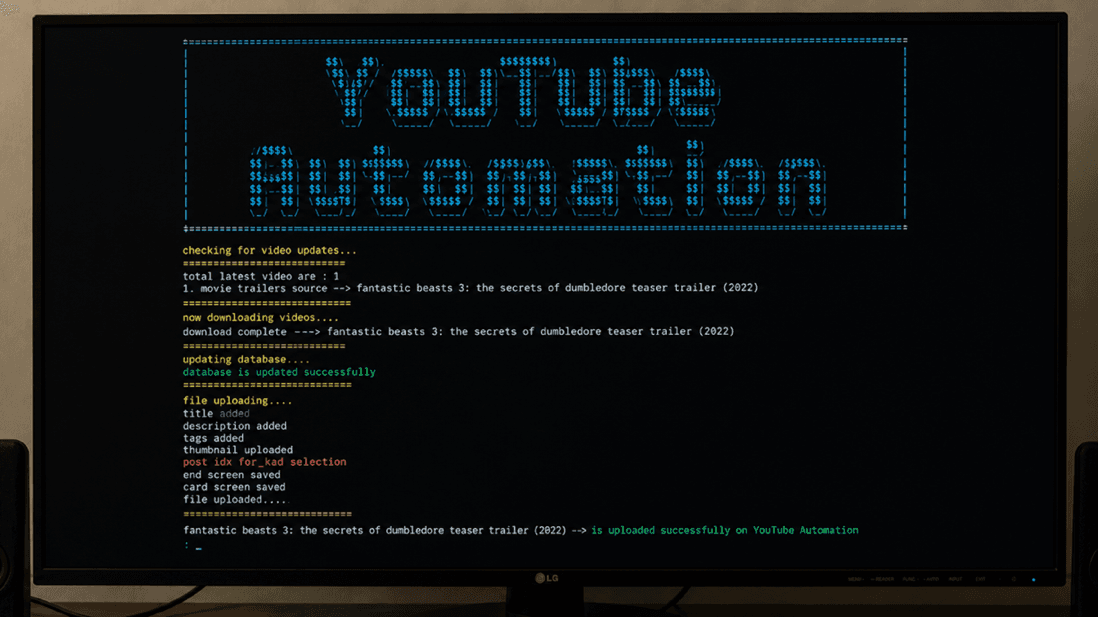
YouTube Automation Tool
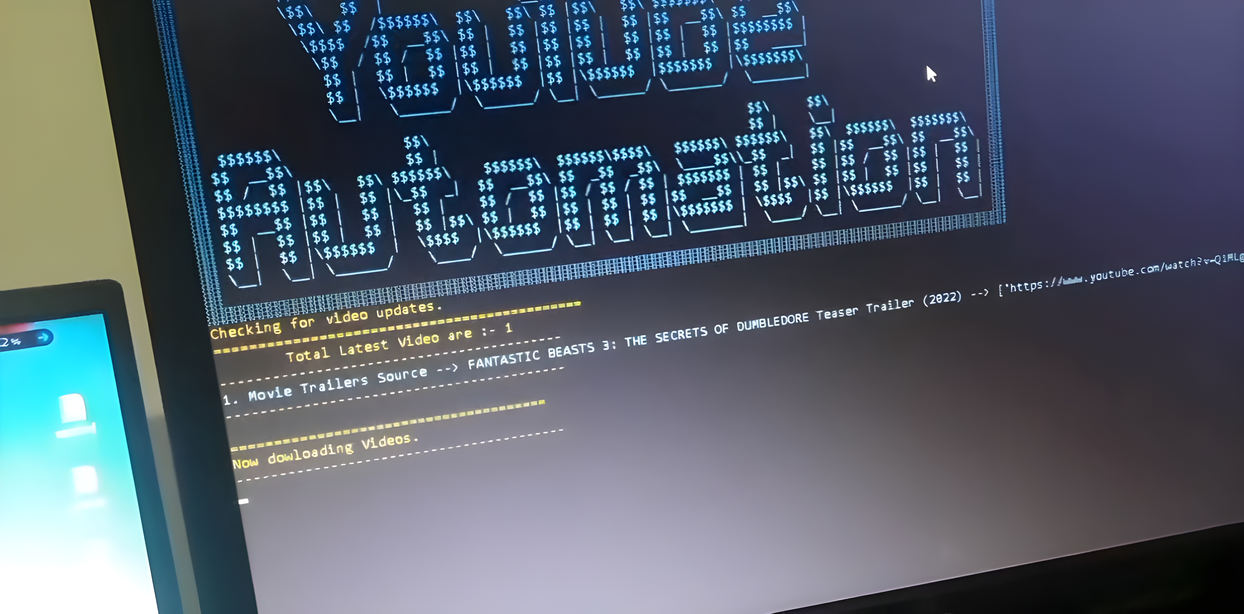
A Python CLI built to manage YouTube channel uploads for movie trailers, with manual and automatic modes that pull IMDB metadata and drive the YouTube Studio workflow through headless Selenium automation.
Overview
Overview
Automating repetitive YouTube publishing workflows
Uploading movie trailers to YouTube is repetitive work. Each video needs a title, description, tags, thumbnail, and cast details, and walking through YouTube Studio manually slows down batch publishing.
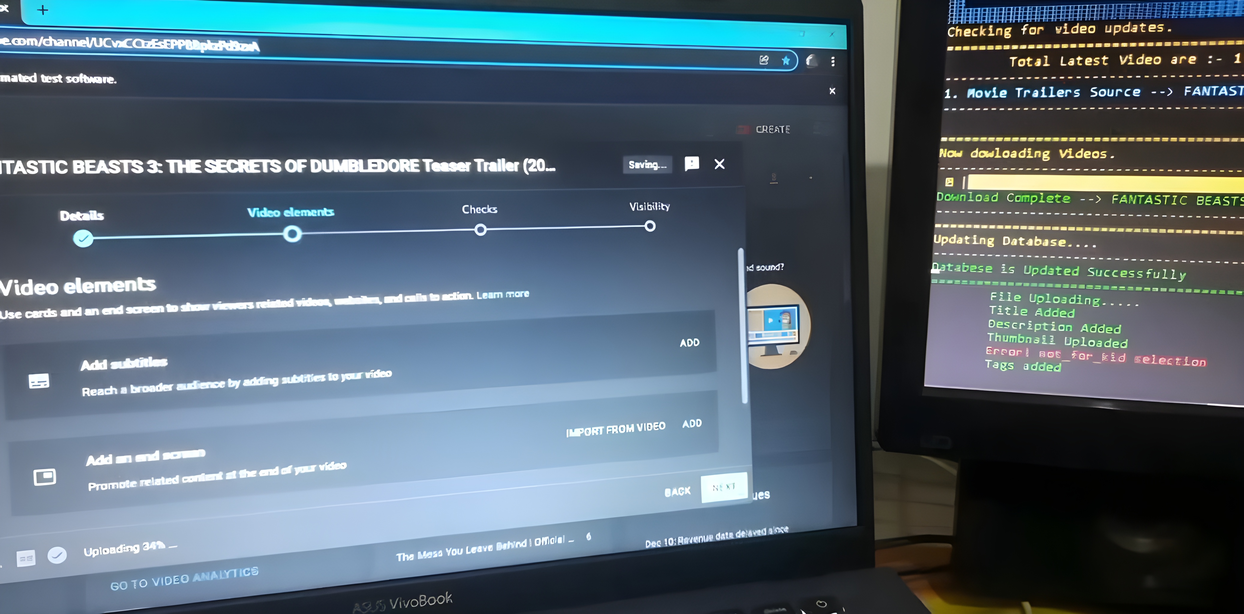
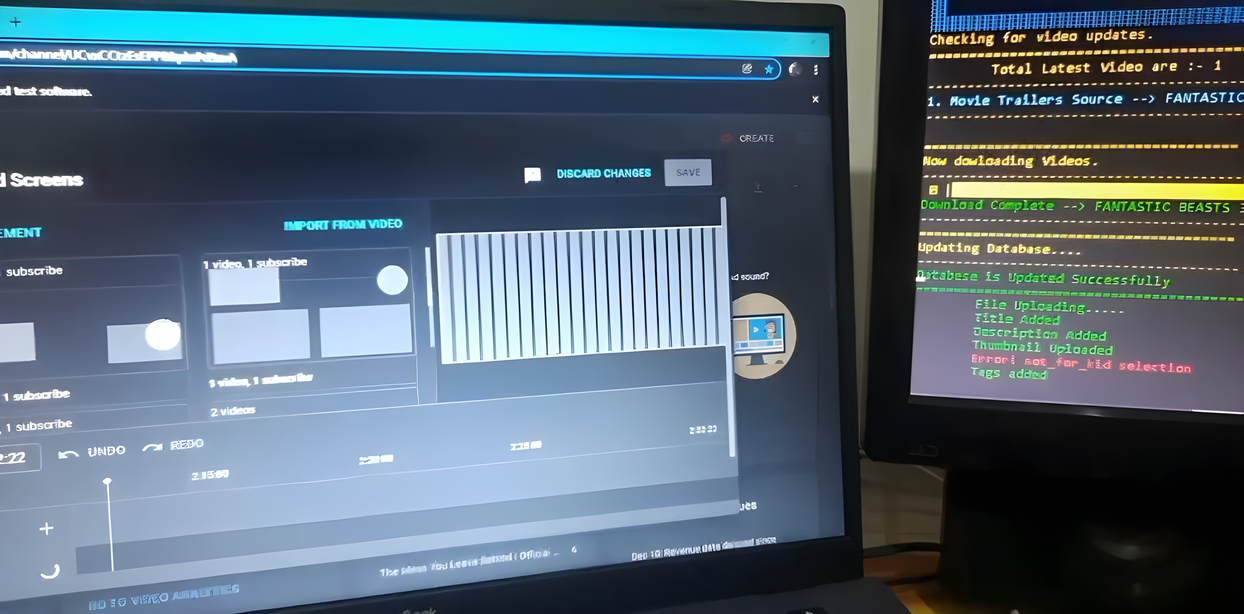
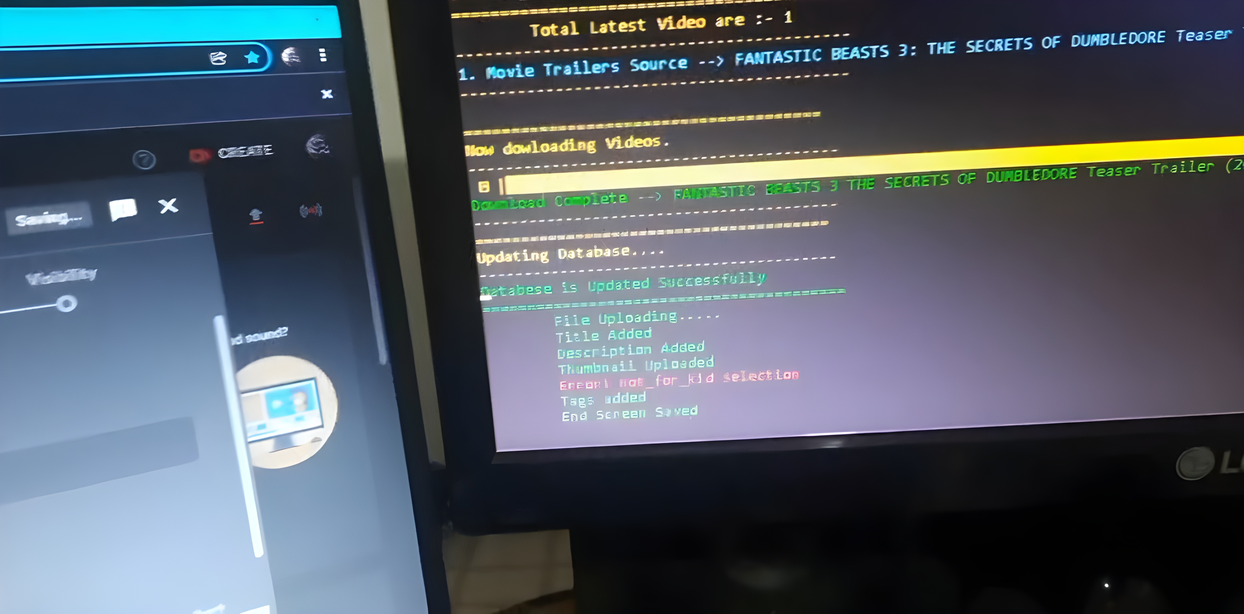
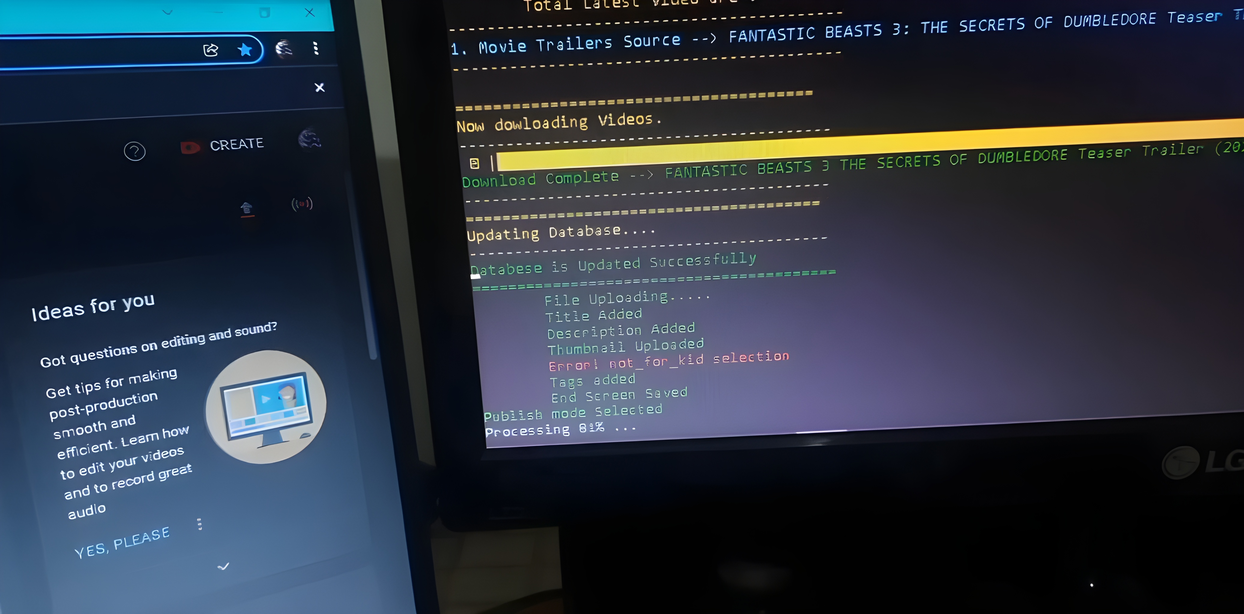
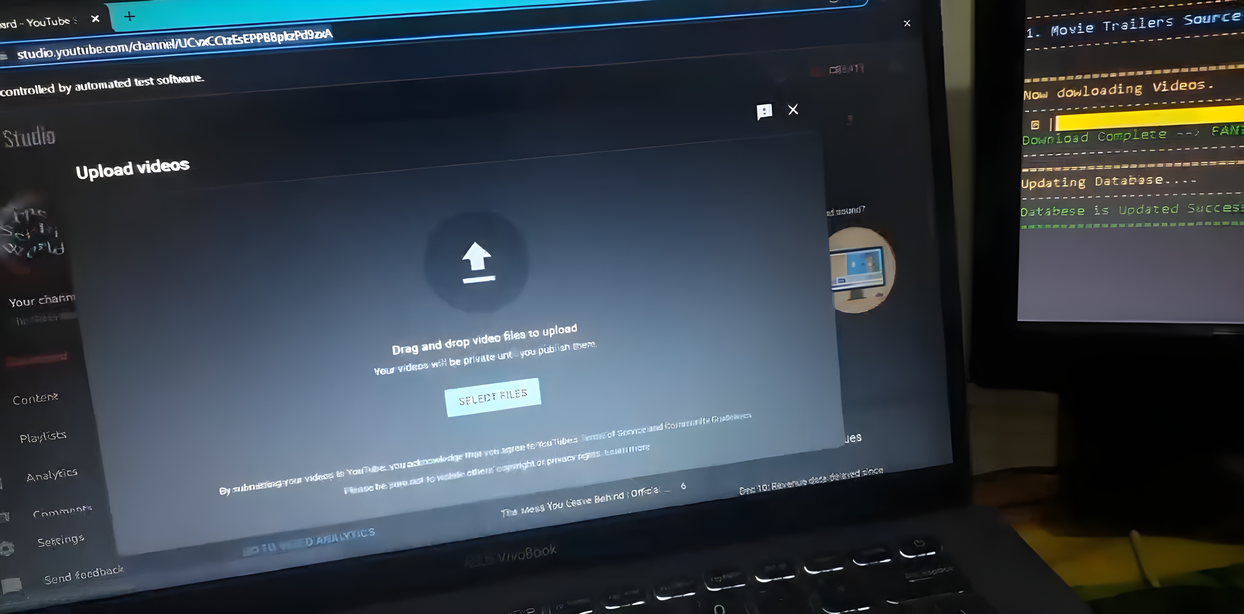
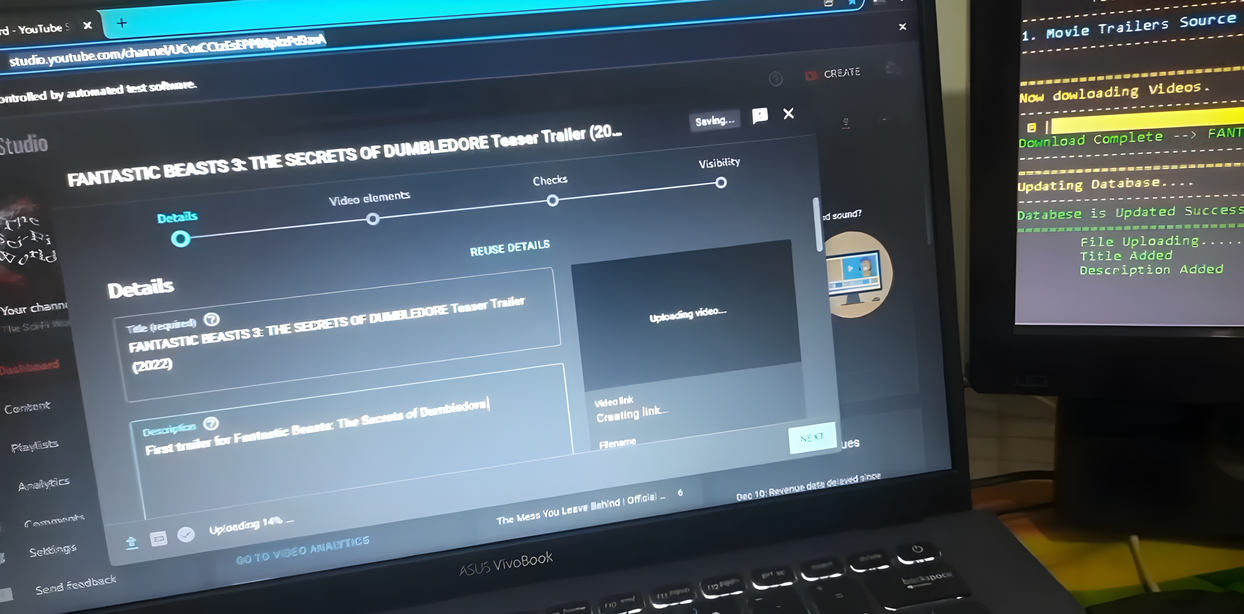
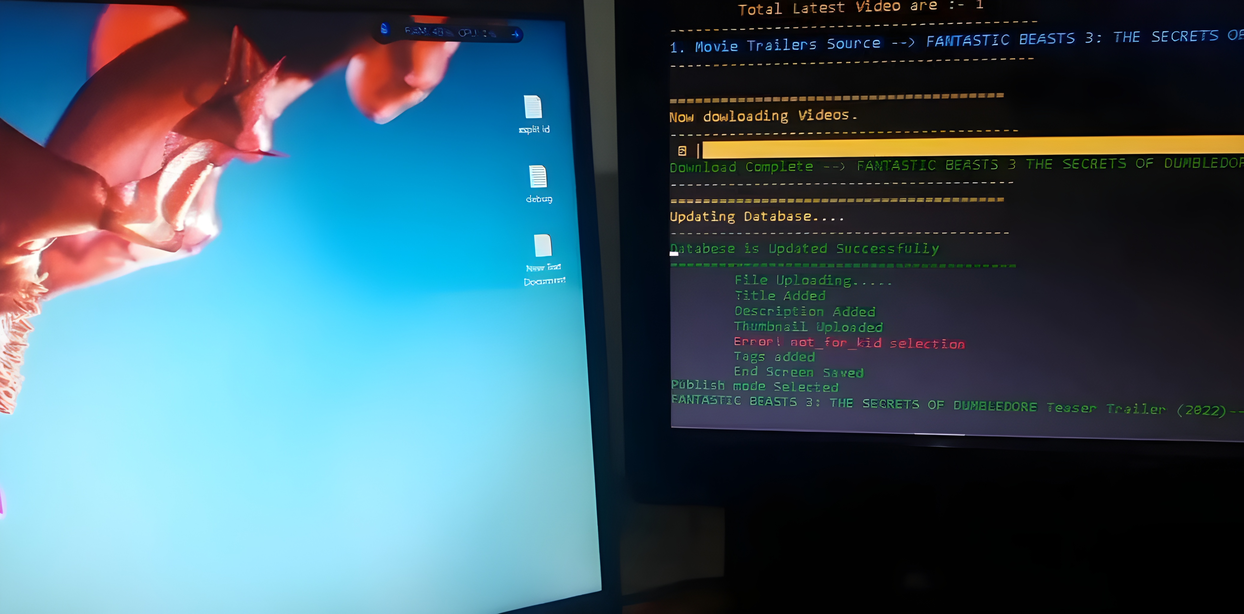
Built a terminal-based automation tool with manual and automatic upload modes. In automatic mode, the pipeline fetches trailer metadata from the IMDB API—including thumbnails, keywords, descriptions, and cast information—then uses Selenium WebDriver in a headless browser to complete the YouTube Studio upload workflow end to end.
The tool turns a multi-step publishing routine into a scriptable CLI workflow, reducing manual effort while still allowing review and control when manual mode is preferred.
Features
Features
Manual & automatic modes
Run uploads with full manual review or switch to automatic mode for hands-off trailer publishing from the terminal.
IMDB-powered metadata
Automatic mode generates thumbnails, keywords, descriptions, and cast information from the IMDB API so each upload starts with complete trailer metadata.
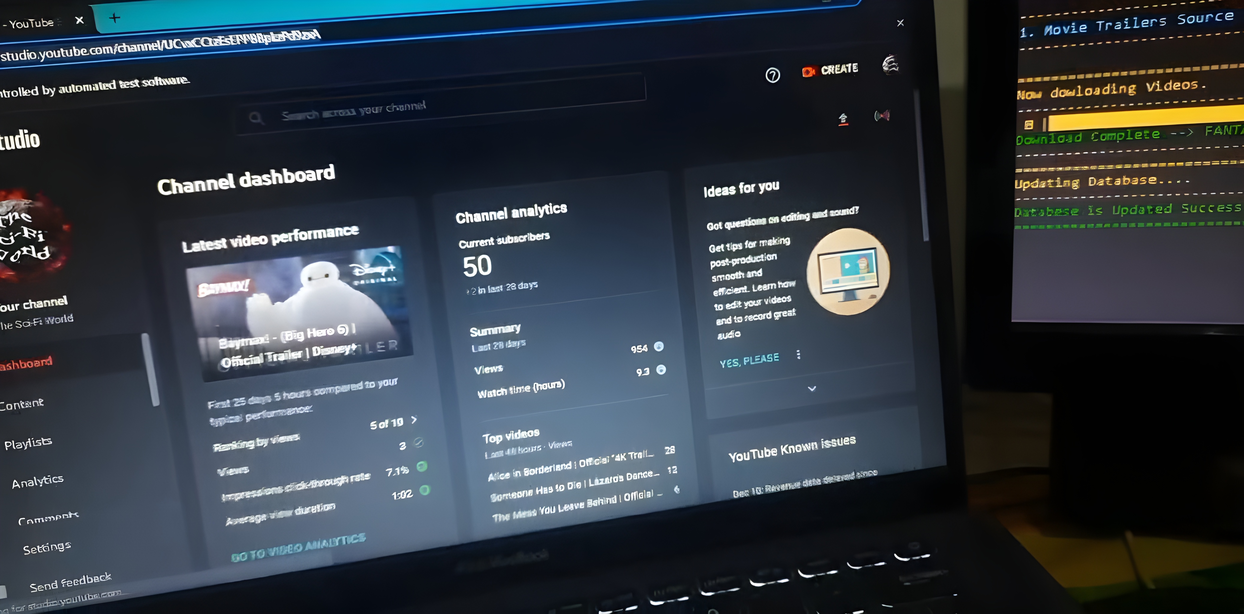
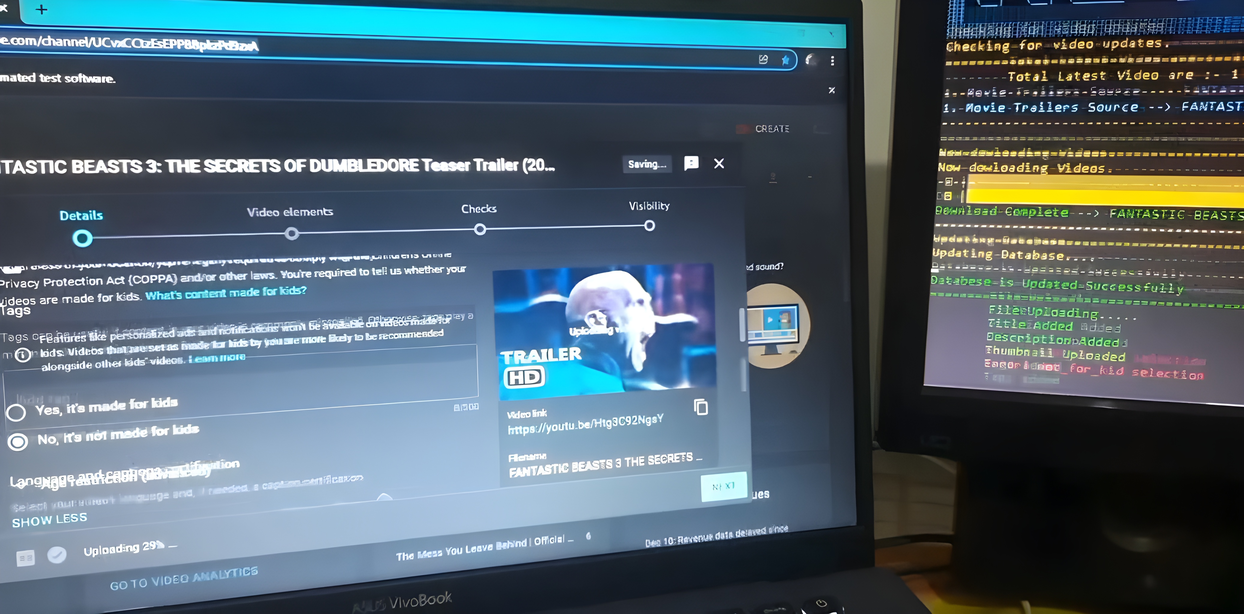
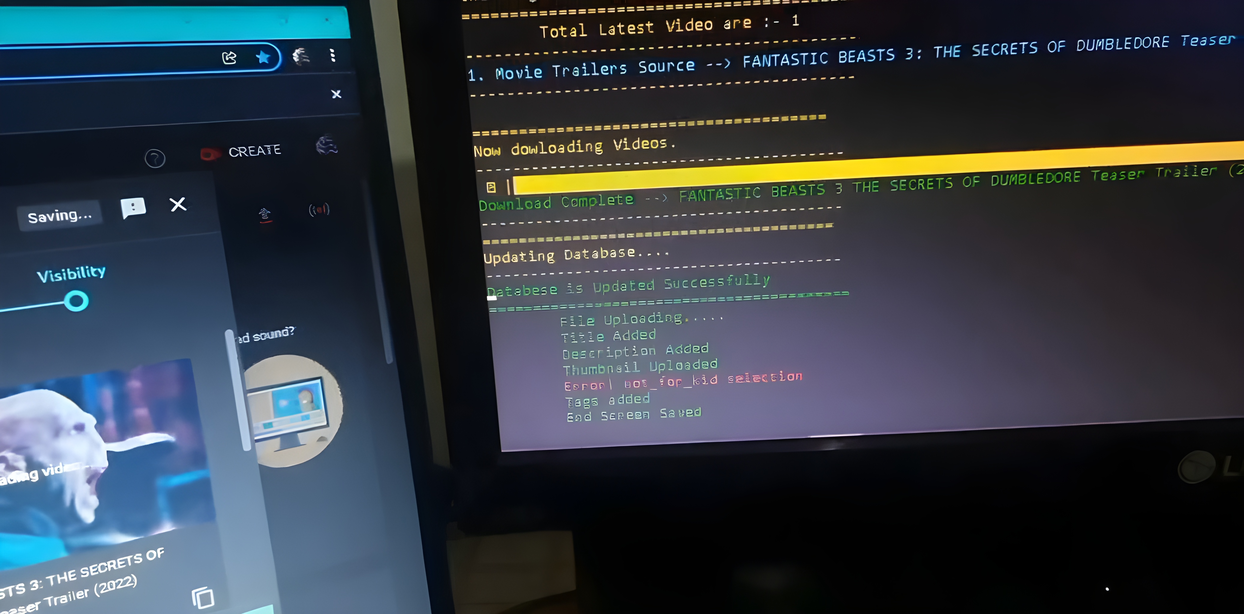
YouTube Studio automation
Selenium WebDriver navigates the YouTube Studio upload flow programmatically, filling fields and progressing through the publish steps.
Headless browser execution
Uploads run in a headless browser session, keeping the workflow lightweight and suitable for local or scheduled automation.
Gallery
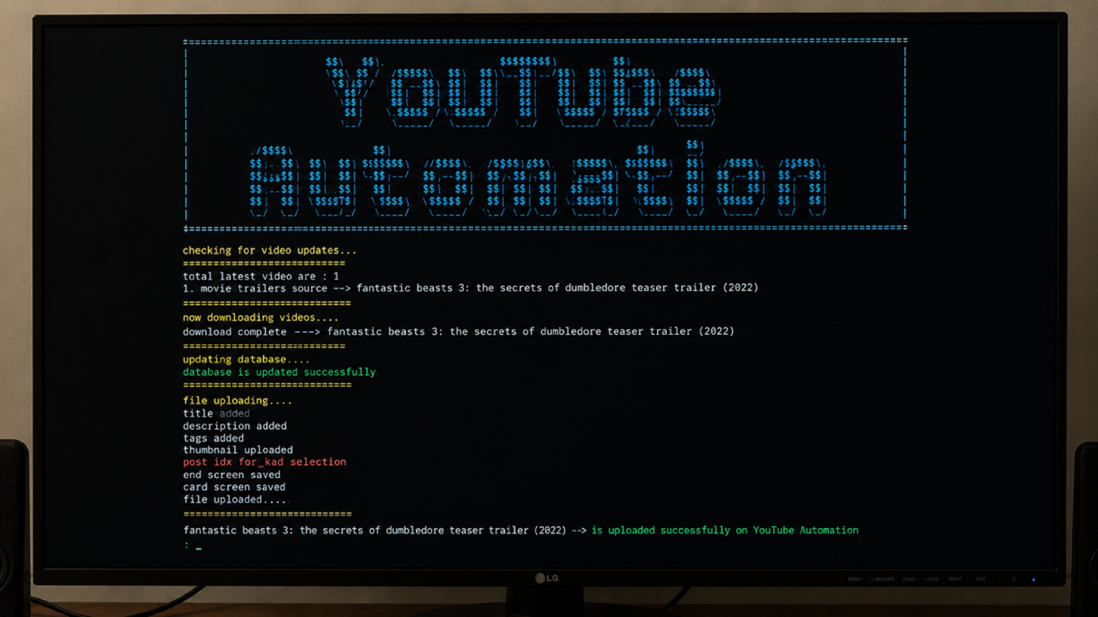
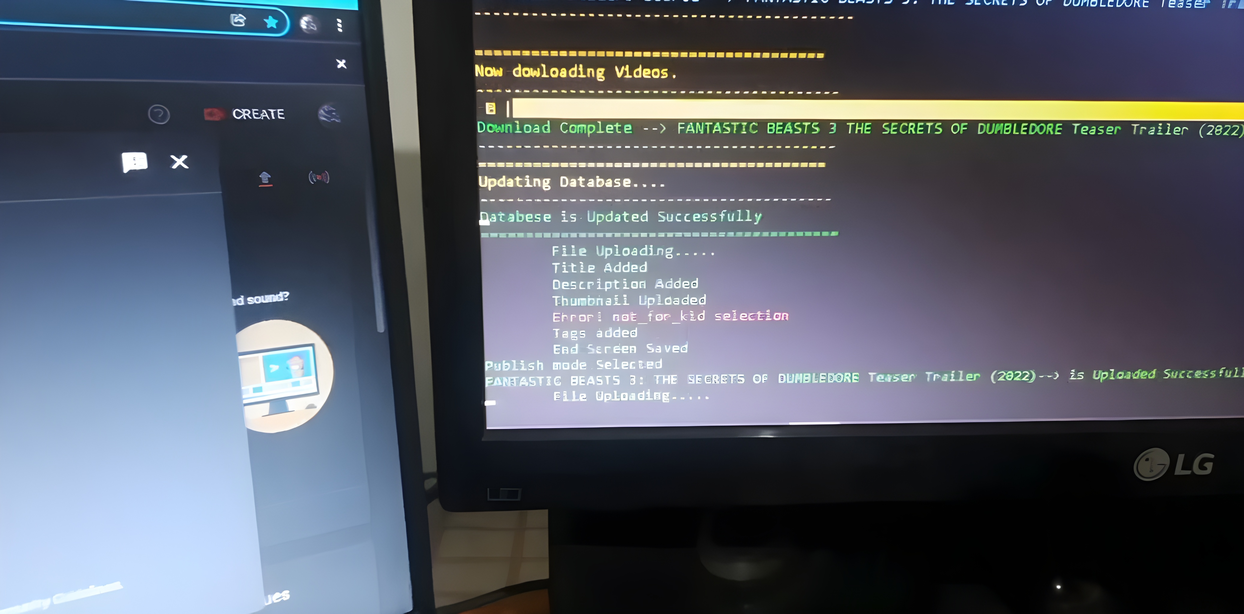
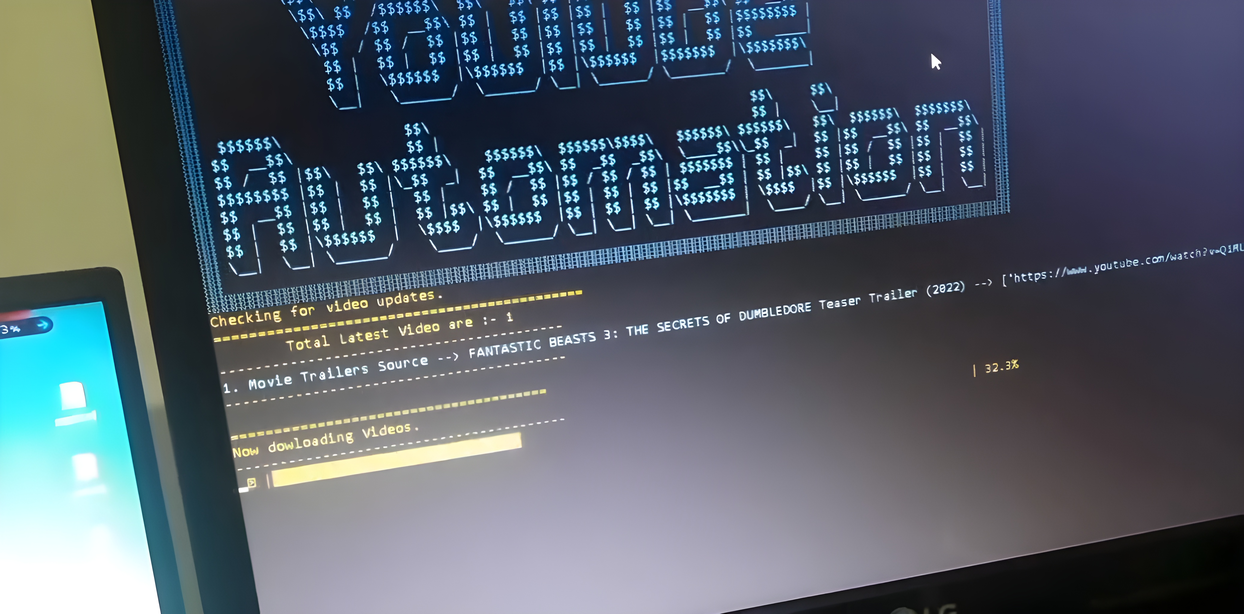
Product Screenshots
Metrics
Metrics
Upload modes
2 (manual + automatic)
IMDB metadata
Thumbnails, keywords, description, cast
Browser automation
Headless Selenium WebDriver